
IT services · Software engineering
Software that keeps
working after launch day.
MET Beteiligungs - GmbH designs, builds and maintains business software: custom applications, web platforms, cloud environments and the integrations that hold them together. Our work is measured by how well a system behaves in its second year, not only in its first release.
An engineering company, not a template factory.
We work with organisations whose processes have outgrown spreadsheets, disconnected tools and off-the-shelf products that almost fit.
Every engagement starts with the same question: what does this system actually have to do, for whom, and under what constraints? From there we shape a scope that can be built incrementally, reviewed openly and handed over cleanly. We prefer small, working releases over long silent phases, and we document decisions as we make them so that future maintainers — ours or yours — are not left guessing.
We do not promise outcomes we cannot control. What we commit to is disciplined engineering, honest reporting of progress and risk, and code that a competent team can read a year from now.
A full delivery capability, from first architecture sketch to long-term care.
Product and scope shaping
Turning a broad business objective into a buildable, prioritised scope with clear boundaries.
Architecture and design
Choosing structures that match the problem's real size, avoiding both under- and over-engineering.
Application engineering
Backend services, data models, APIs and user interfaces built as one coherent system.
Infrastructure and delivery
Environments, pipelines, configuration and release practices that make deployment routine.
Verification
Automated tests, review practice and exploratory checks applied continuously, not at the end.
Operation and evolution
Monitoring, dependency upkeep and steady improvement once the system carries real traffic.
Built around the process, not around a product licence.
Custom development makes sense when a process is specific enough that configuring a generic product costs more than building the right thing. We model the domain first — the entities, states and rules that the business already works with — and let the interface follow from that model rather than the other way round.
- Domain modelling and data design that reflect real operational vocabulary.
- Server-side logic with explicit validation, permissions and audit-friendly records.
- Interfaces designed for the people who use them daily, not for a demo.
- Incremental delivery so each milestone produces something usable.

Web applications and digital platforms
Browser-delivered software removes installation friction and gives every user the same version. That convenience only holds if the application is fast on ordinary connections, usable on small screens and resilient when a request fails.
Customer-facing portals
Account areas, self-service functions and status views built with clear state handling and accessible markup.
Internal operations tools
Dashboards, queues and administrative interfaces designed for high-frequency, keyboard-driven use.
Content and catalogue platforms
Structured content models with editorial workflows and predictable rendering performance.
Progressive enhancement
Server-rendered content first, with client interactivity layered on where it genuinely helps.

Environments that are described, not remembered.
Infrastructure becomes a liability when only one person knows how it was assembled. We favour configuration held in version control, environments that can be rebuilt from that configuration, and deployment steps that run the same way every time.
Environment design
Separate development, staging and production environments with consistent shapes and controlled differences.
Deployment pipelines
Automated build, test and release steps, with the ability to roll back a change quickly.
Observability
Structured logs, health checks and metrics chosen to answer real operational questions.
Cost and capacity review
Periodic examination of resource usage so spend stays proportional to load.
Integration and workflow automation
Most organisations do not need one more system; they need the systems they already pay for to exchange data reliably. Integration work is largely about failure cases: what happens when a remote service is slow, returns an unexpected payload, or accepts the same message twice.
- 01
Map the exchange
Identify the systems involved, the direction of data flow, the authoritative source for each field and the acceptable latency.
- 02
Design for retries
Idempotent operations, queued delivery and explicit dead-letter handling so a temporary outage does not corrupt data.
- 03
Automate the handoffs
Replace manual re-keying and scheduled exports with event-driven or scheduled jobs that report their own status.
- 04
Make it observable
Every automated run leaves a trace that an operator can read without access to the source code.
Testing is a design activity.
Code that is easy to test is usually code with clear boundaries. We treat the test suite as part of the product: it documents intended behaviour, protects refactoring and shortens the distance between a mistake and its discovery.
- Unit and component tests
- Fast checks around business rules and isolated components, run on every commit.
- Integration tests
- Verification that services, databases and third-party boundaries behave together as expected.
- End-to-end journeys
- A focused set of critical paths exercised through the interface a user actually sees.
- Exploratory testing
- Deliberate manual investigation of edge cases that scripted tests are unlikely to reach.
- Accessibility and compatibility
- Keyboard operation, contrast, semantics and behaviour across supported browsers and screen sizes.

Security decisions belong in the design, not in a checklist at the end.
No engineering practice can eliminate risk. What good practice does is reduce the number of avoidable weaknesses and make the remaining ones visible early.
Least privilege by default
Services, database roles and integration credentials receive only the access their function requires.
Input treated as untrusted
Validation and encoding applied at boundaries, with parameterised queries and strict output handling.
Secrets kept out of code
Credentials held in managed configuration, rotated when people or providers change.
Dependency hygiene
Regular review of third-party packages, with updates planned rather than deferred indefinitely.
Authentication and session care
Standard, well-reviewed mechanisms preferred over bespoke schemes.
Data minimisation
Collecting and retaining only the personal data a feature genuinely needs to function.
From discovery to maintenance, in visible steps.
Discovery
Understanding the process, constraints, existing systems and the definition of success before proposing a shape.
Scoping and estimation
Breaking the work into increments with explicit assumptions, and naming what is deliberately out of scope.
Architecture
Selecting structures, data models and technologies suited to the expected load, team and lifespan.
Iterative build
Short cycles ending in a reviewable increment, with priorities revisited as understanding improves.
Verification and hardening
Test coverage, performance checks, accessibility review and correction of defects found along the way.
Release and handover
Controlled deployment with documentation, runbooks and knowledge transfer to whoever operates the system.
Maintenance
Dependency updates, monitoring follow-up and corrective work once the system is in daily use.
Evolution
Planned enhancements informed by real usage rather than assumptions made before launch.
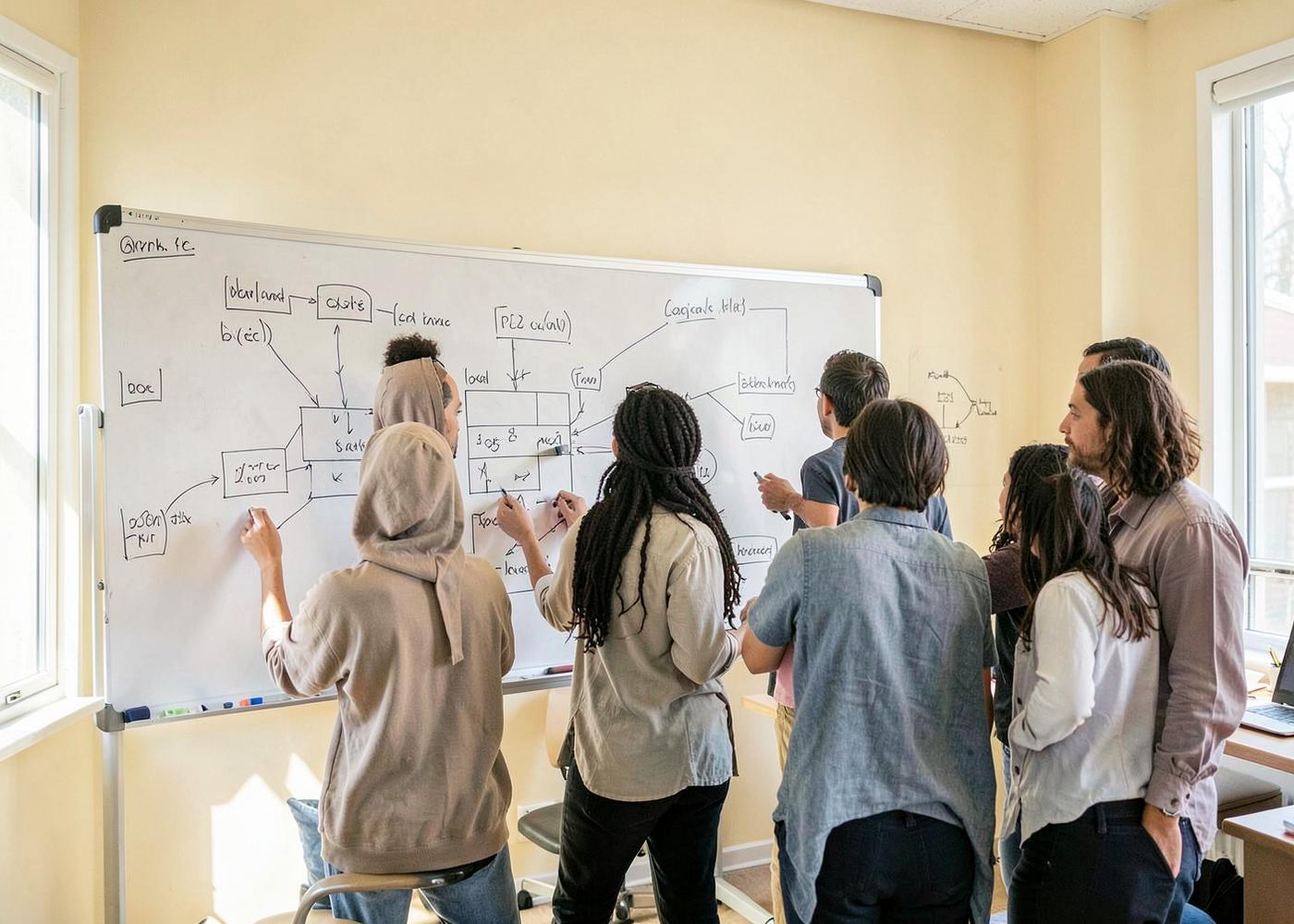
Illustrative imagery — not a photograph of our team or offices.
Fewer surprises, more written decisions.
Communication problems cause more delivery failures than technical ones. We keep a single agreed backlog, write down decisions with their reasoning, and give status in terms of working software rather than percentages.
- A regular review rhythm where the increment is shown, not described.
- One shared place for scope, questions and open risks.
- Written architecture and decision notes that survive personnel change.
- Early escalation of blockers, including uncomfortable ones.
- Code review as a routine practice, not an exception.

Tools chosen for the problem and for the people who will maintain them.
Languages and runtimes
TypeScript and JavaScript, Python, Java and PHP, on Node.js and JVM-based runtimes.
Frontend
React and modern component architectures, semantic HTML, CSS design systems, responsive and accessible interfaces.
Backend and data
REST and GraphQL APIs, relational databases such as PostgreSQL and MySQL, caching layers and message queues.
Platform and tooling
Containers, CI/CD pipelines, infrastructure-as-code, major public cloud providers and managed hosting.
We do not adopt a technology because it is new. A stack is a maintenance commitment, and we weigh availability of expertise and long-term support alongside technical fit.
Typical shapes of work, described as examples.
The scenarios below are illustrative descriptions of common project types. They are not case studies, and they do not describe real clients, engagements or results.
A manual process outgrows its spreadsheet
A team coordinates work through a shared spreadsheet that several people edit at once. Typical work: model the underlying records properly, build a small web application with roles and validation, import the historical data, and run both in parallel until the team is confident.
Two systems that never agreed on the truth
An operations tool and a finance system hold overlapping records that drift apart. Typical work: define which system is authoritative per field, build a synchronisation service with retries and reconciliation reporting, and replace the recurring manual export.
A legacy application nobody dares to change
An application still does its job, but releases are rare and risky. Typical work: add characterisation tests around current behaviour, introduce a build and deployment pipeline, and then refactor in small, verifiable steps.
A platform that slows down under real load
Response times degrade as usage grows. Typical work: measure before changing anything, find the dominant cost — usually queries, payload size or missing caching — and address it in prioritised order with measurements after each change.
A launch that needs an operations plan
A product is nearly complete but has no monitoring, backups or on-call procedure. Typical work: define health checks and alerting, verify restore procedures, and write runbooks for the failure modes that matter most.
Frequently asked questions
All answers are shown in full, without controls to expand or collapse them.
What kinds of projects do you take on?
Business applications, web platforms, integrations between existing systems, cloud and deployment work, and ongoing maintenance of systems already in production. We also take on shorter advisory engagements such as architecture or code review.
How do engagements usually begin?
With a discovery conversation about the process, the constraints and the systems already in place. That produces a written summary of scope, assumptions and an outline of the first increment before any build work is committed.
Can you work with an existing codebase?
Yes. We begin by reading the code and its deployment setup, then propose a safe sequence of changes. Where test coverage is thin, characterisation tests usually come before refactoring.
Who owns the resulting code?
Ownership and licensing are agreed in writing in the engagement contract. Our normal expectation is that the client owns the delivered application code.
How is progress reported?
Through working increments reviewed on a regular cadence, along with a shared, current backlog and written notes on decisions and open risks.
Do you provide support after launch?
Yes, as a separately agreed maintenance scope covering corrective fixes, dependency updates, monitoring follow-up and planned enhancements.
Do you work remotely?
Our collaboration model is remote-first, built around written communication, shared tooling and scheduled review sessions.
What languages do you work in?
Project communication and documentation are conducted in English.
Contact information
The details below are presented as plain text. This website contains no forms and no clickable contact controls.
- Company
- MET Beteiligungs - GmbH
- shannonadams197498@gmail.com
- Website
- metbeteiligung.com